
AI video effects from a single photo
Updated · 2 min read
In short
AgiClips turns one photo into a 5-second vertical video with a ready-made AI effect. Upload the photo, pick one of 12 effects (gold statue, fire eyes, money rain, teleport, levitation and more) and the clip comes back in 9:16, ready for TikTok, Reels and Shorts.
See the 12 effects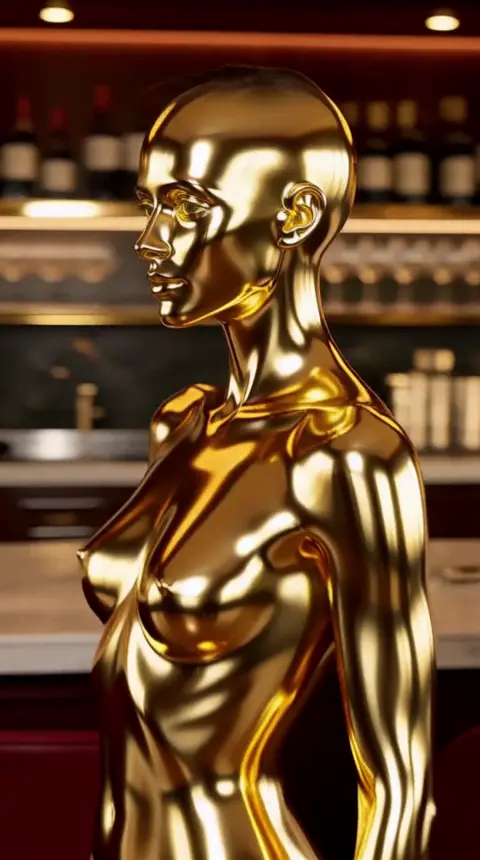
The 12 effects
Each effect is a fixed recipe: the movement, the camera and the look are already written, so you only bring the photo.
- Gold statue: the subject turns to solid gold from the feet up.
- Fire eyes: a look into the camera and the eyes ignite.
- Money rain: banknotes falling in slow motion.
- Teleport: a snap, an electric flash and the subject reappears.
- Beach teleport: a snap, a flash and the subject is on a beach at sunset.
- Levitation: the subject rises and floats, hair and clothes without gravity.
- Particle burst: the subject dissolves into thousands of golden particles.
- Epic slow motion: a turn to camera with everything suspended in the air.
- Dramatic zoom: a thriller-style vertigo shot towards the face.
- Storm: rain, lightning and wind while the subject holds the gaze.
- Outfit change: a wave of light swaps the clothes for a gala look.
- Avatar switch: a snap and the subject becomes your other character, same body and pose (uses two images).

Gold statue 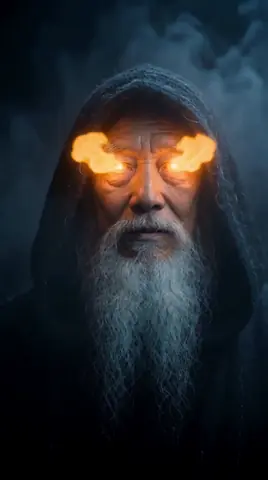
Fire eyes 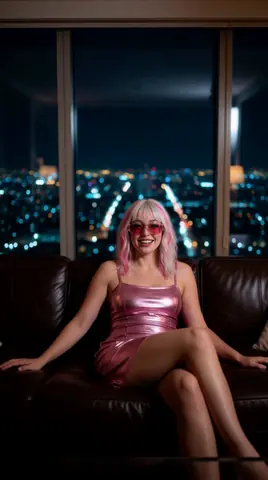
Money rain 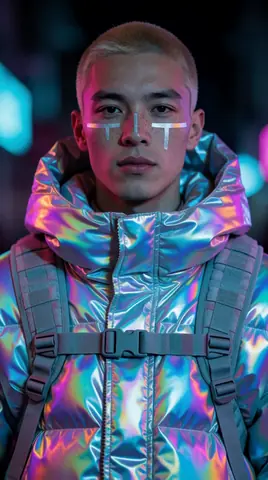
Teleport 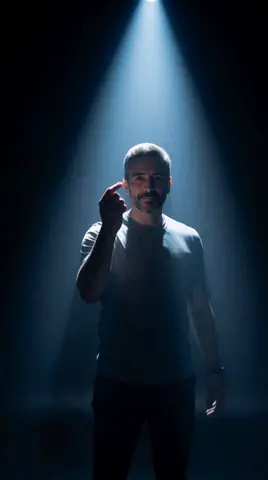
Teleport somewhere else 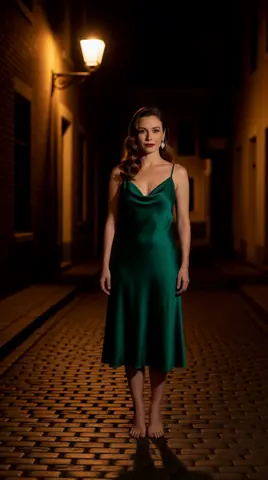
Levitation 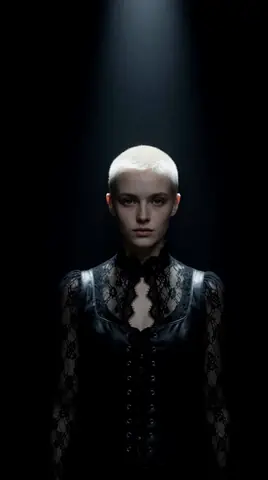
Particle burst 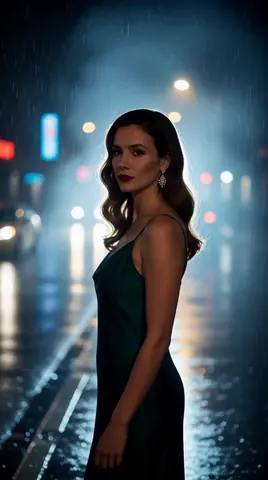
Epic slow motion 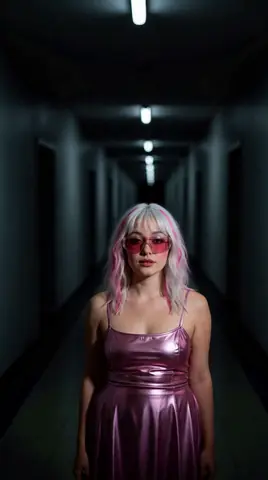
Dramatic zoom 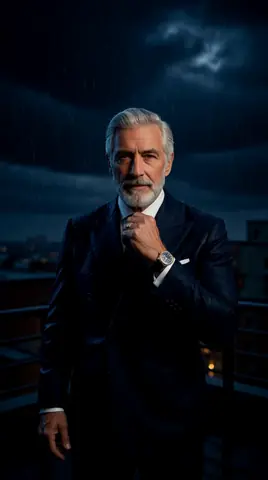
Storm 
Outfit change 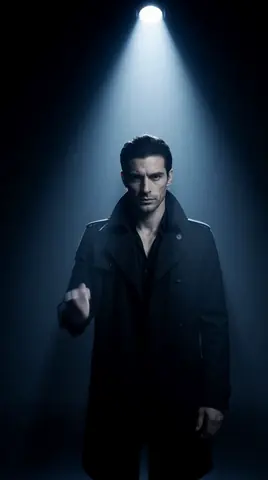
Avatar swap
What photo works best
A sharp photo of one person, facing the camera, with the face and shoulders visible. Vertical photos keep more of the frame, because the clip is 9:16.
Avoid group photos, heavy filters and faces covered by hands, hair or sunglasses: the effect follows the subject it can see.
Use only photos you have the right to use
Upload photos of yourself or of people who agreed to it. Do not use photos of minors or of public figures. AgiClips shows the clip only in your workspace; publishing it is your decision.
How to do it
Pick an effect
Open the Effects section of the gallery and choose one of the 12.
Upload a photo
Add a sharp photo of the person who will star in the clip.
Generate
AgiClips shows the cost before it runs, then renders a 5-second 9:16 clip.
Download or iterate
Keep the clip, or try another effect with the same photo.
Frequently asked questions
- How long is each clip?
- Five seconds, in vertical 9:16 format.
- Do I need to write a prompt?
- It is not required: each effect already contains the movement and the camera. You can add a short line to describe the shot.
- Can I use the clips on TikTok, Reels and Shorts?
- Yes, the clips are rendered in 9:16 for those platforms. Make sure you have the right to use the person's image.
- Is there a free plan?
- Yes. Clips made on the free plan carry a watermark; paid plans remove it. Money rain renders in Max quality, which needs the Pro or Studio plan.
Make it with your own photo
Pick a recipe, add your photo or character and get a vertical clip. The cost is shown before anything runs.
See the 12 effects